Lijn
The reader your collection deserves.
Comics · Manga · Books · iPad & iPhone
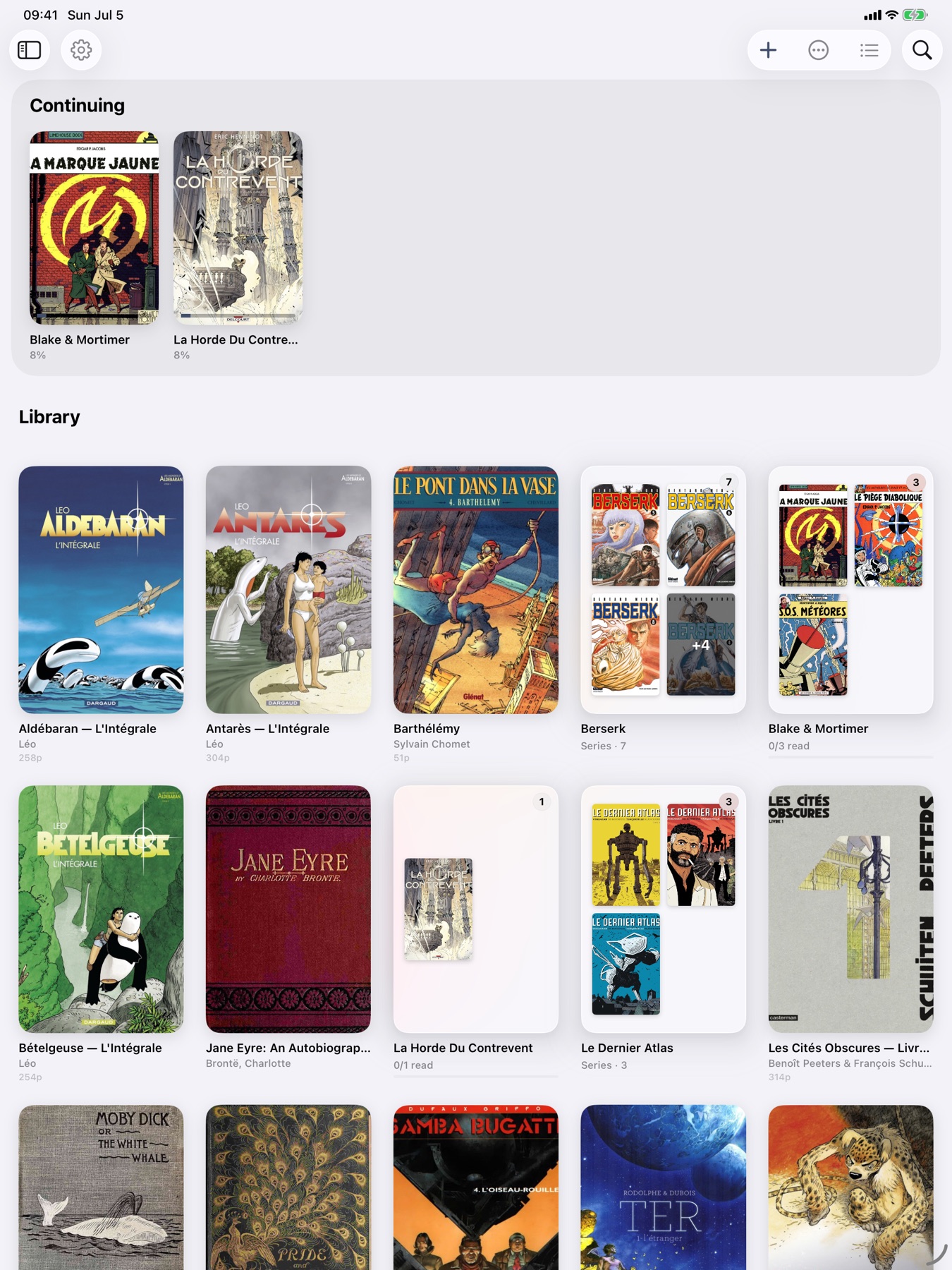
Lijn is a reader for people who keep a collection. Comics, bandes dessinées, manga, and books — each presented the way it was meant to be read. Import your files, and Lijn organises the rest: series stack together, metadata fills in automatically, and your reading position syncs across every device.
Built native with SwiftUI. No web views, no Electron, no compromise. Your files stay on your device.
From Dutch lijn, “line.” As in ligne claire, the Franco-Belgian drawing style defined by clear contours, flat colours, and respect for the page.
Features
Library
Grid or list. Series stack together, one-shots stand on their own. Filter by format, genre, rating, language, or reading status. Bulk-edit metadata across your entire collection.
Reader
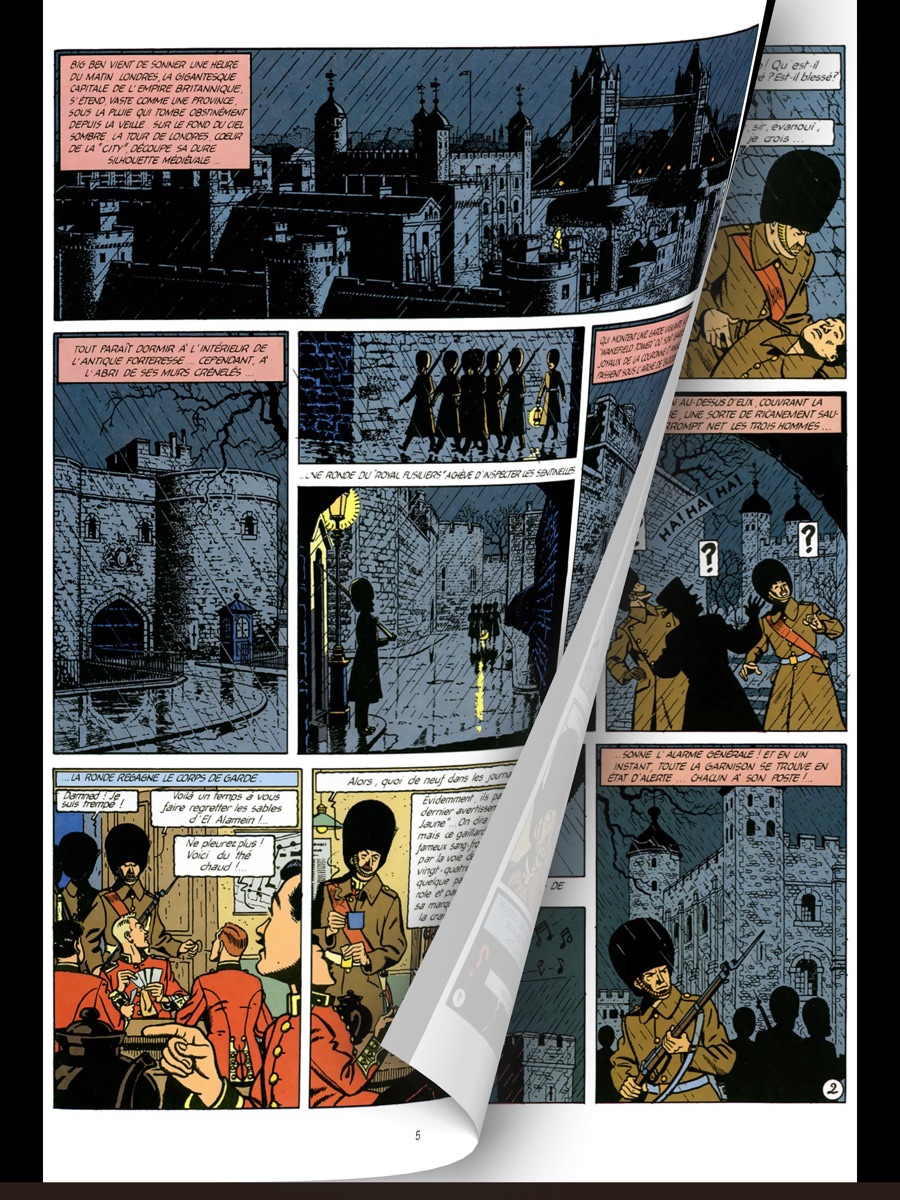
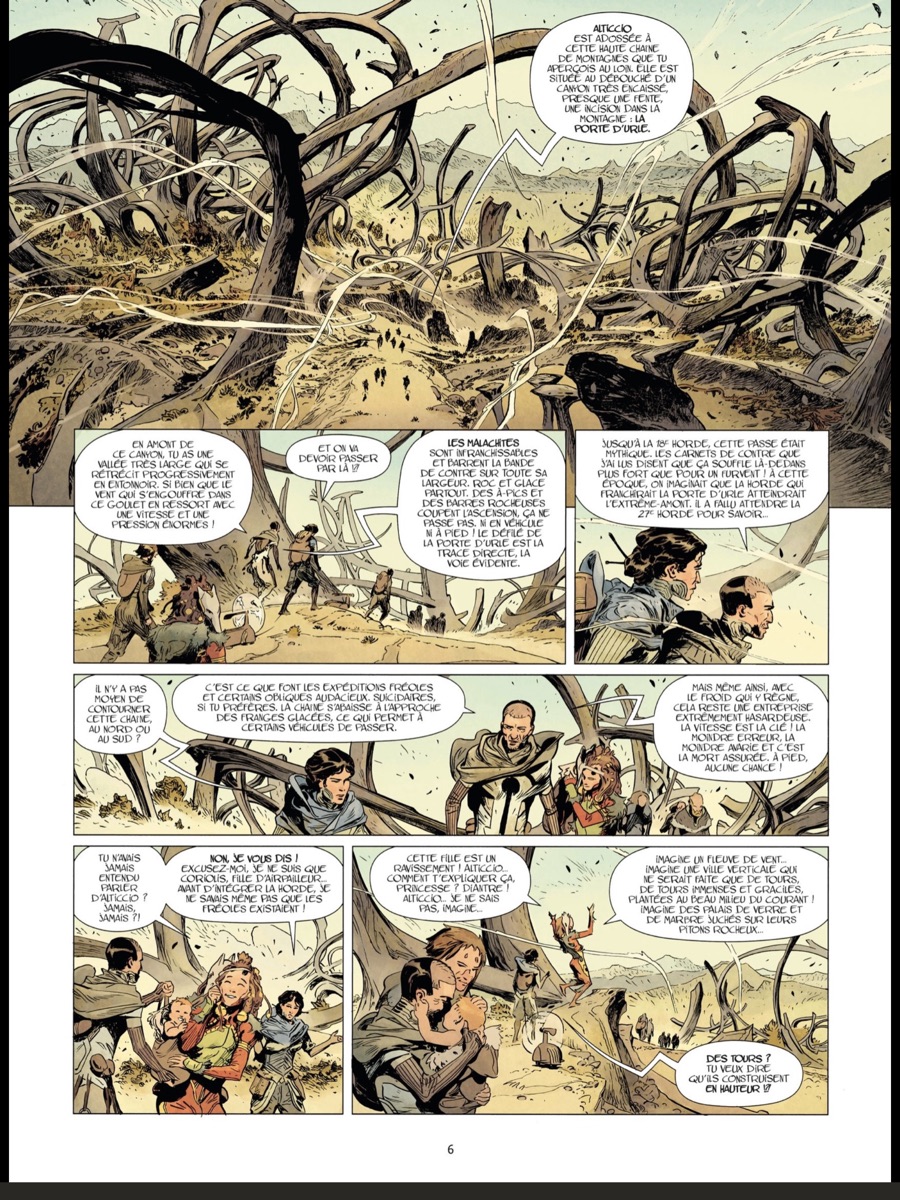
Single page, double-page spreads, vertical scroll, page curl, or panel-by-panel guided view. Left-to-right for BD and comics, right-to-left for manga. Warm and night modes for late reading.
Continue Reading
Your current book stays front and centre. Pick up exactly where you left off, on any device. KOSync support for cross-platform reading position sync.
Statistics
Pages read, books finished, reading streaks, time spent, collection growth. Track your reading journey over time.
Annotations
Draw on pages, highlight panels, write margin notes. Bookmark pages to revisit. Export your annotations when you need them.
iCloud Sync
Your entire library — files, progress, bookmarks, annotations — syncs seamlessly via iCloud across iPhone and iPad.
Smart Collections
Create rule-based collections that organise themselves. By author, genre, publisher, format, language, or reading status. Auto-organise suggests collections from your library’s patterns.
OPDS & Import
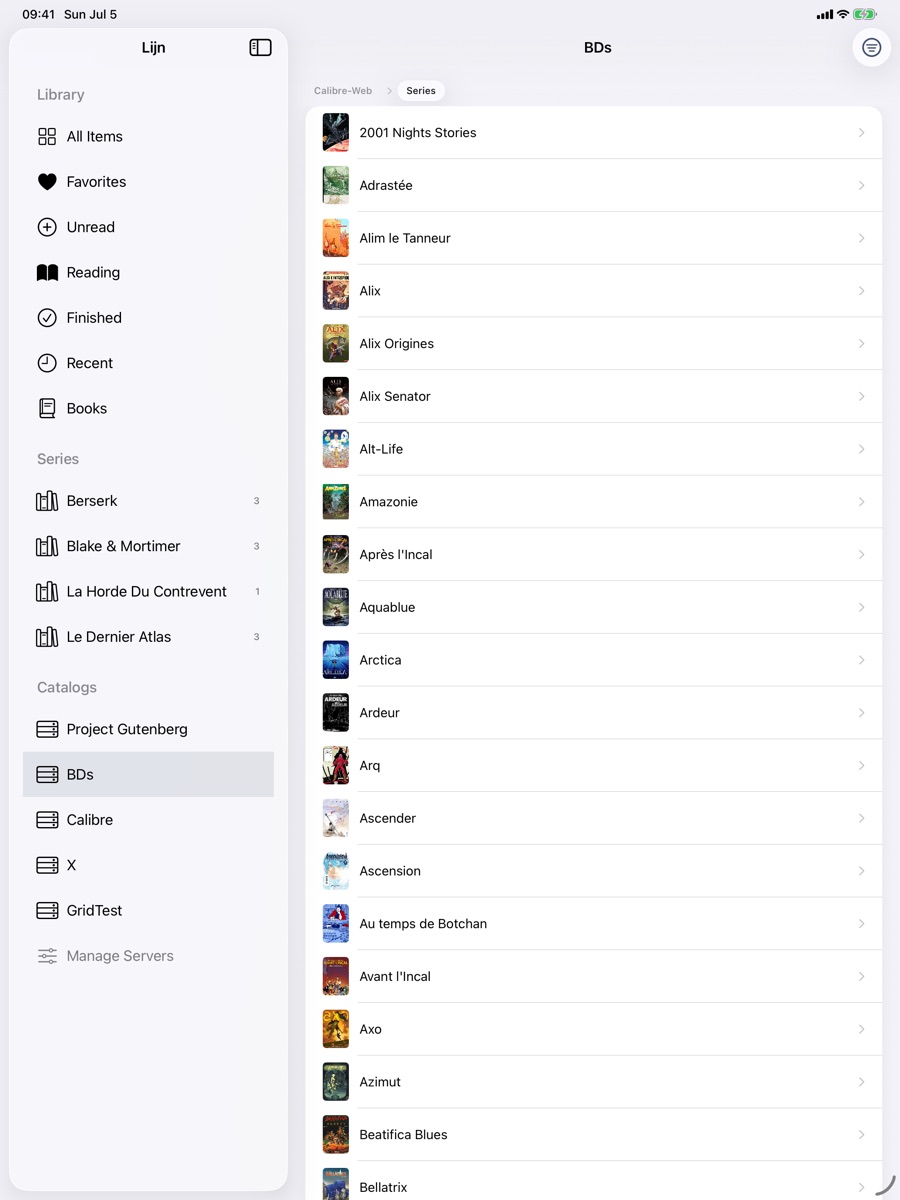
Browse and download from OPDS catalogs — Calibre, Komga, Kavita, and others. Import from Files, iCloud Drive, or cloud folders. Drag and drop on iPad.
Metadata
Automatic metadata enrichment from Google Books, AniList, Comic Vine, Metron, Open Library, and BnF. Cover art, authors, publishers, genres — filled in for you.
Shortcuts & Widgets
Six Siri Shortcuts for hands-free control. Home Screen widgets to jump back into your current read. Spotlight indexes your full library.
Preview
Specs
File Formats
Reader
- Single page, double-page spread, vertical scroll, and page curl modes
- Panel-by-panel guided view with automatic panel detection
- Left-to-right and right-to-left reading directions
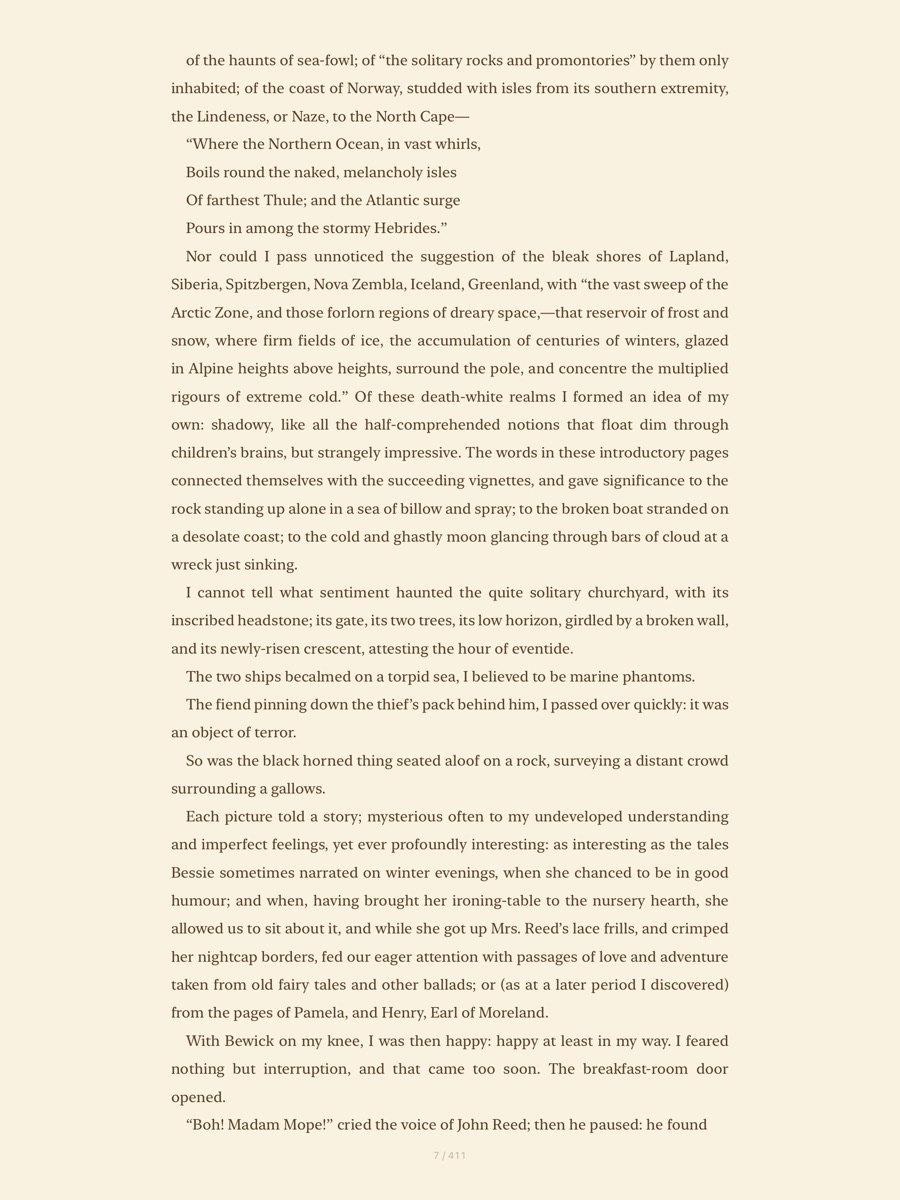
- Native text engine for EPUB, MOBI, and AZW3 with custom pagination
- PDF page view and text reflow modes
- Adjustable fonts, margins, and line spacing for ebooks
- Warm, sepia, and night reading modes
- Pinch-to-zoom with double-tap reset
- Bookmarks, annotations, drawing canvas, and highlights
Library
- Grid and list views with sort, filter, and search
- Series grouping with automatic volume ordering
- Smart collections with rule-based filters
- Bulk metadata editing across multiple albums
- Automatic metadata from Google Books, AniList, Comic Vine, Metron, Open Library, and BnF
- Cover OCR for text extraction
- Reading recommendations based on your habits
Sync & Import
- iCloud library sync across iPhone and iPad
- KOSync cross-device reading position sync
- OPDS catalog browser (Calibre, Komga, Kavita, and others)
- Import from Files, iCloud Drive, cloud folders, or drag and drop
- BookWyrm and OpenLibrary reading tracker integration
System
- Six Siri Shortcuts intents
- Home Screen widgets
- Spotlight search indexing
- Reading statistics, streaks, and session tracking
- No accounts, no tracking, no ads
- Built native with SwiftUI and SwiftData
Your files. Your library. No subscriptions, no ads, no tracking.
Download on the App StoreiOS 17+ · iPhone · iPad